Application Settings
Customize how MacUtility behaves on your system.
Theme & Appearance
MacUtility offers a beautiful native interface that fully supports macOS Dark and Light modes. You can force the application to use a specific theme or have it automatically match your system settings.
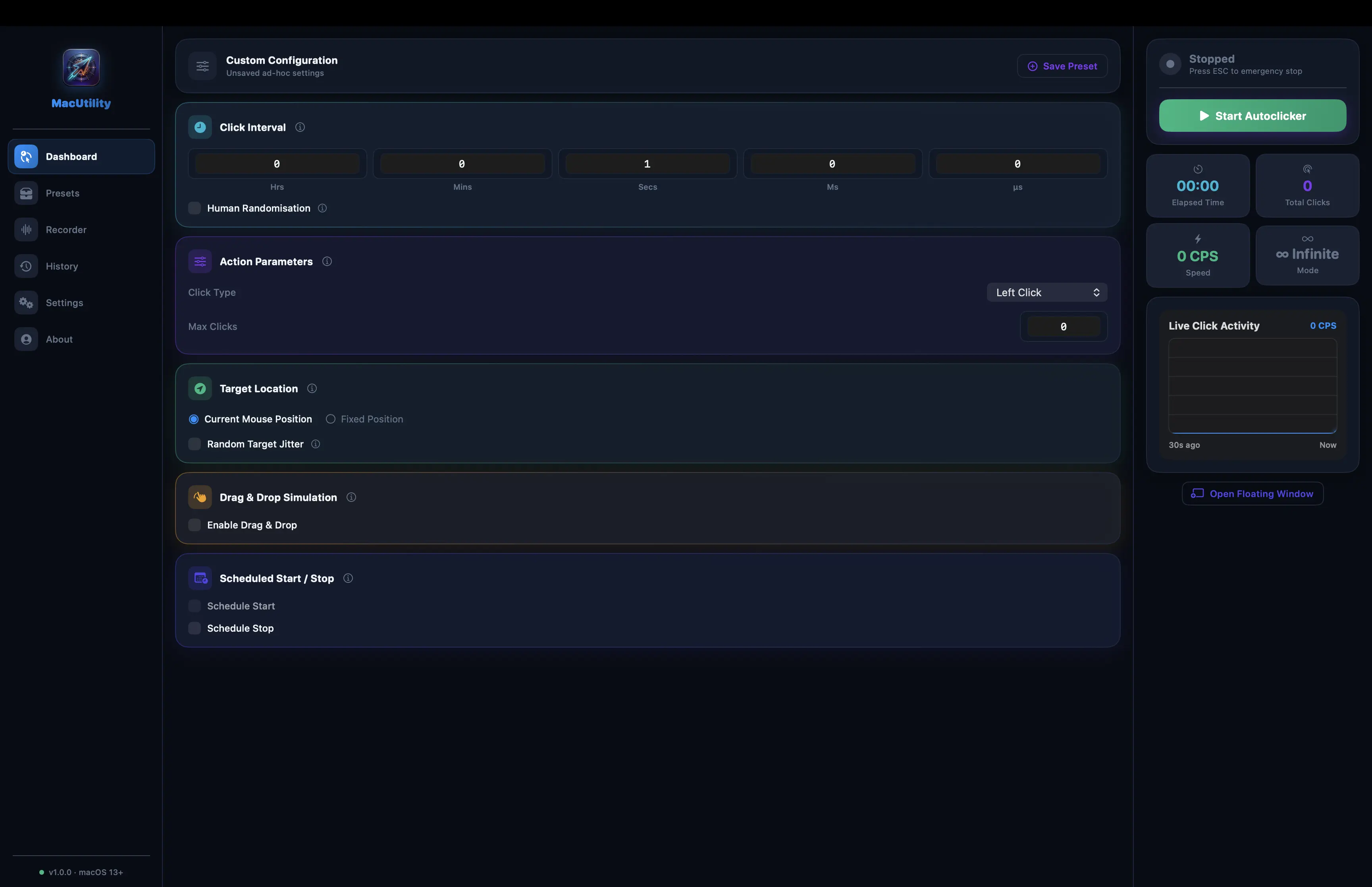
Light Theme
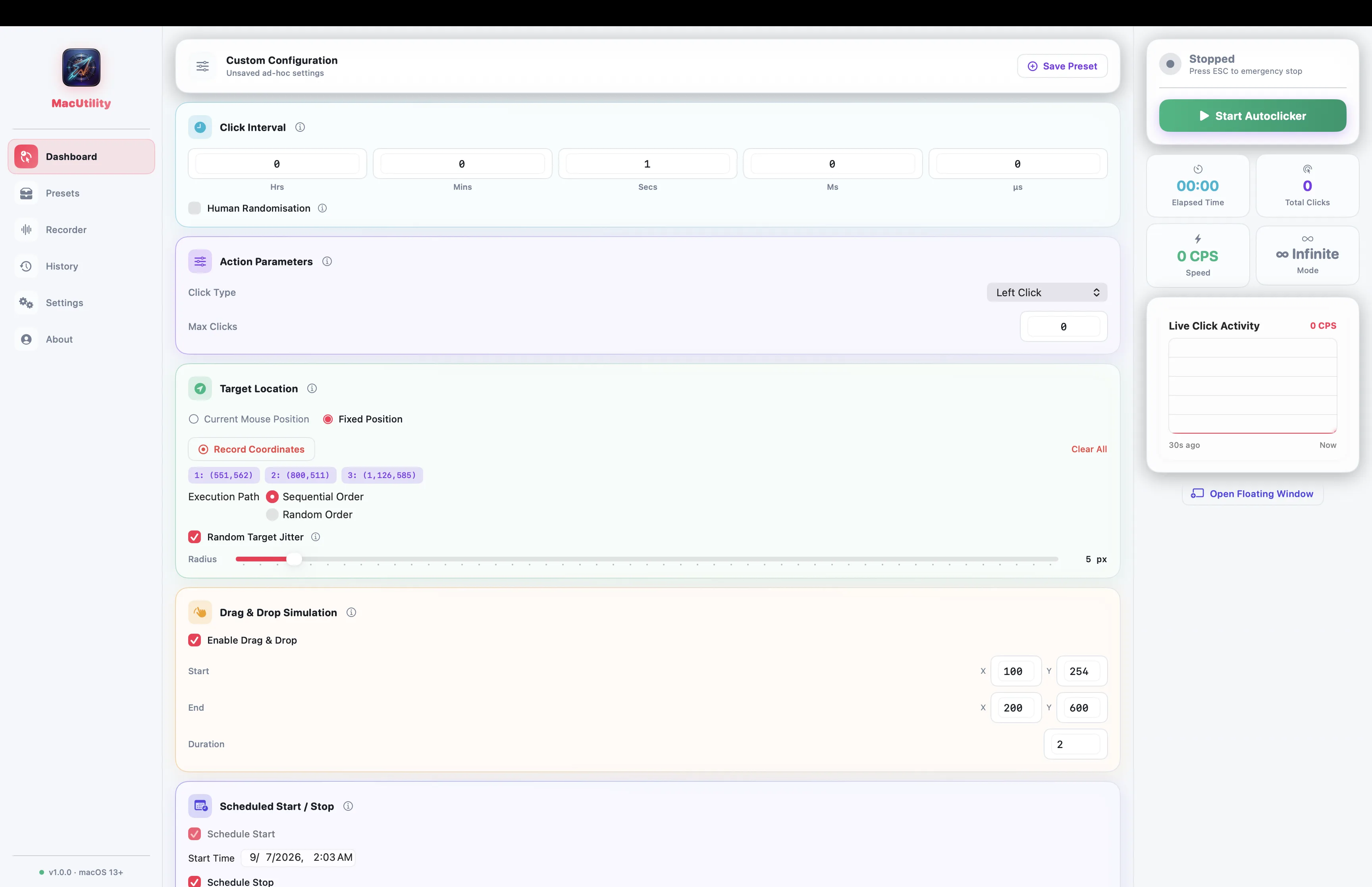
Dark Theme
- 🔊 Audio FeedbackMacUtility provides helpful auditory cues so you know exactly what the app is doing without looking at it.
- Start Sound: A distinct chime plays when the auto-clicker successfully begins.
- Stop Sound: A different tone plays when the clicker is stopped, either manually or by reaching the Max Clicks limit.
- Volume Control: Adjust or completely mute the audio feedback in the settings to suit your environment.
- ⌨️ Global HotkeysSet custom keyboard shortcuts to start, stop, or pause the auto clicker without needing to bring the application window to the foreground. Perfect for gaming or frantic workflows.
- 📌 Always on TopToggle this option to keep the MacUtility window hovering over your other applications, ensuring you always have quick access to the start/stop controls.